
Meal plans and grocery lists
Help figuring out what to eat.
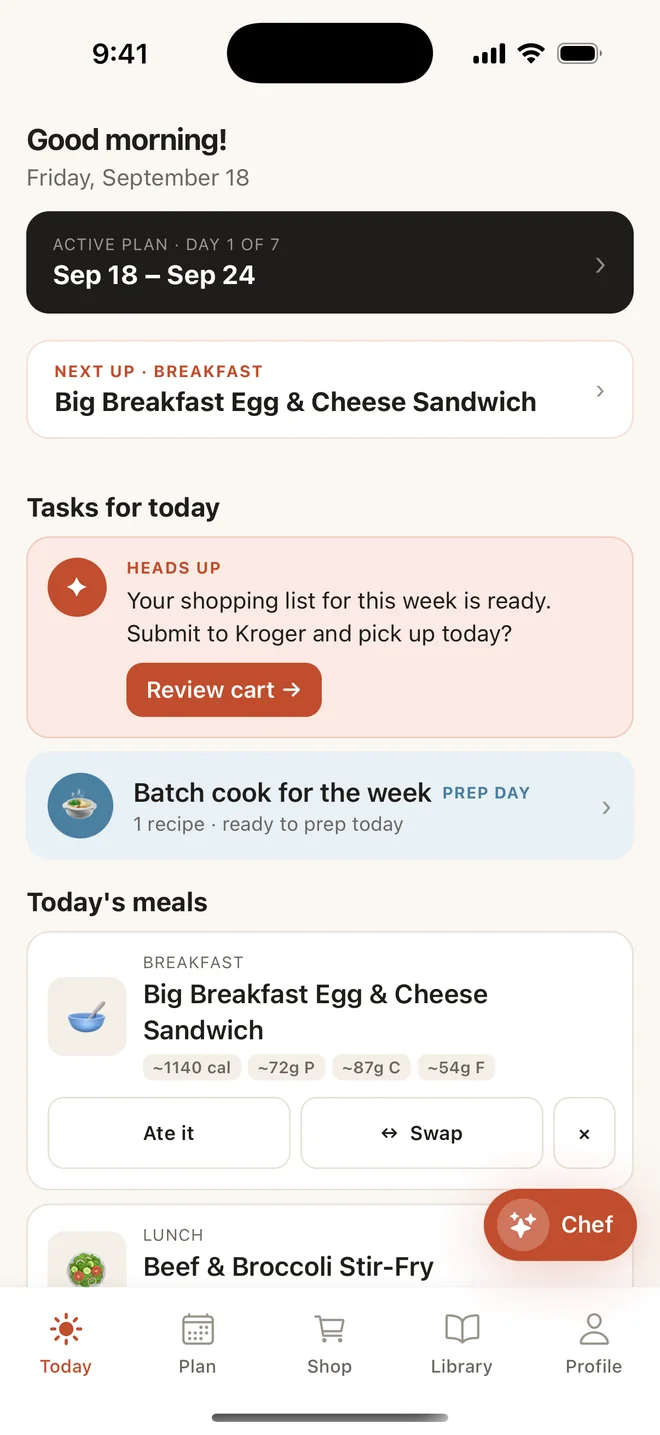
Chowdy plans your meals, turns them into one grocery list, and adjusts when your schedule does. A different meal each day, or the same lunch five times — whatever actually fits.
For iPhone.
How it goes
Plan. Shop. Cook.
Use all of it, or just the part you need.
Plan the days you want
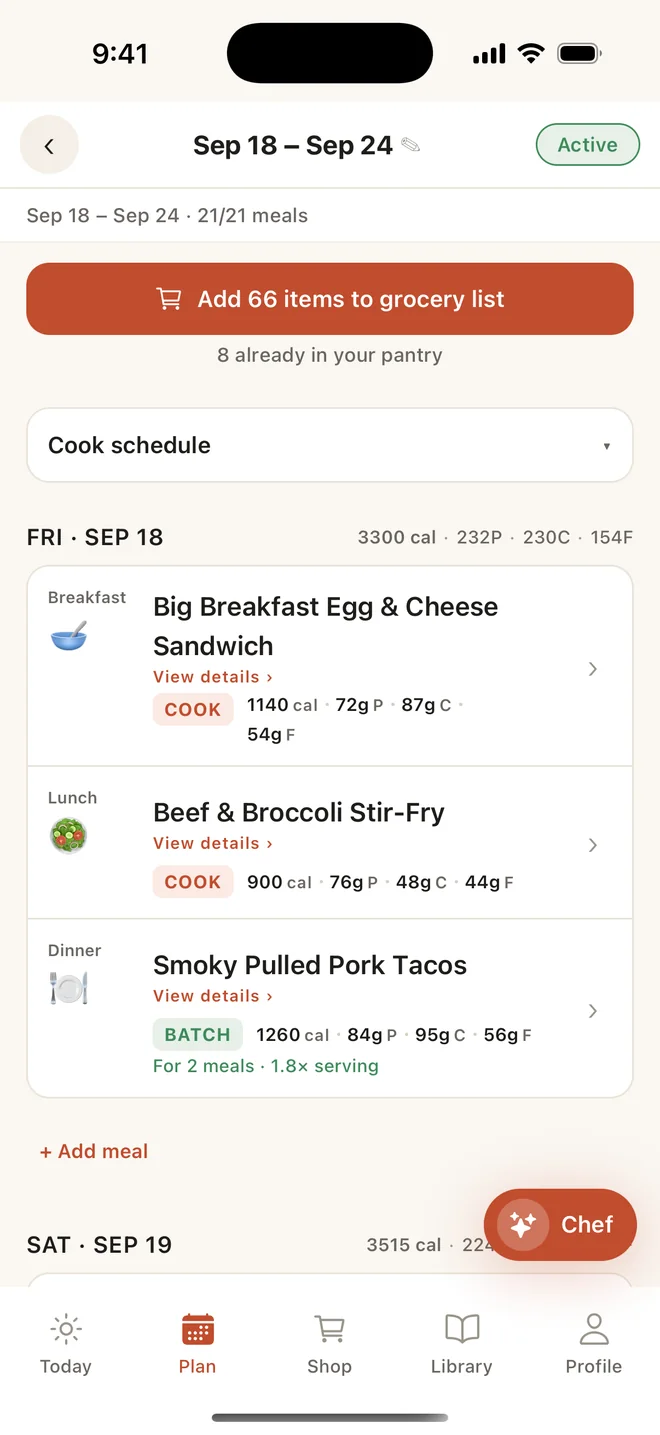
Fill as many meal slots as you want. Swap one you’re not in the mood for, skip a night you’re eating out, and leave the rest empty — a half-full plan is a valid plan.
- 1 to 14 days
- Breakfast, lunch, dinner, snacks
- Batch cooking
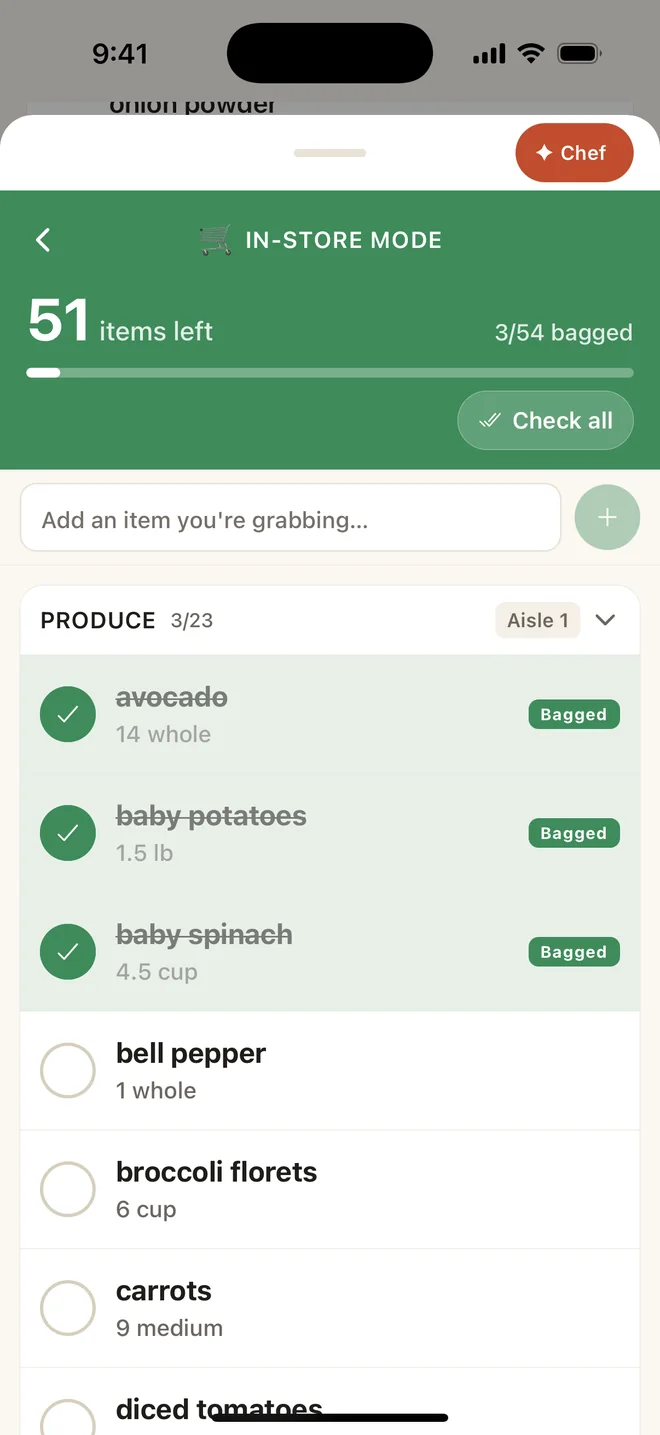
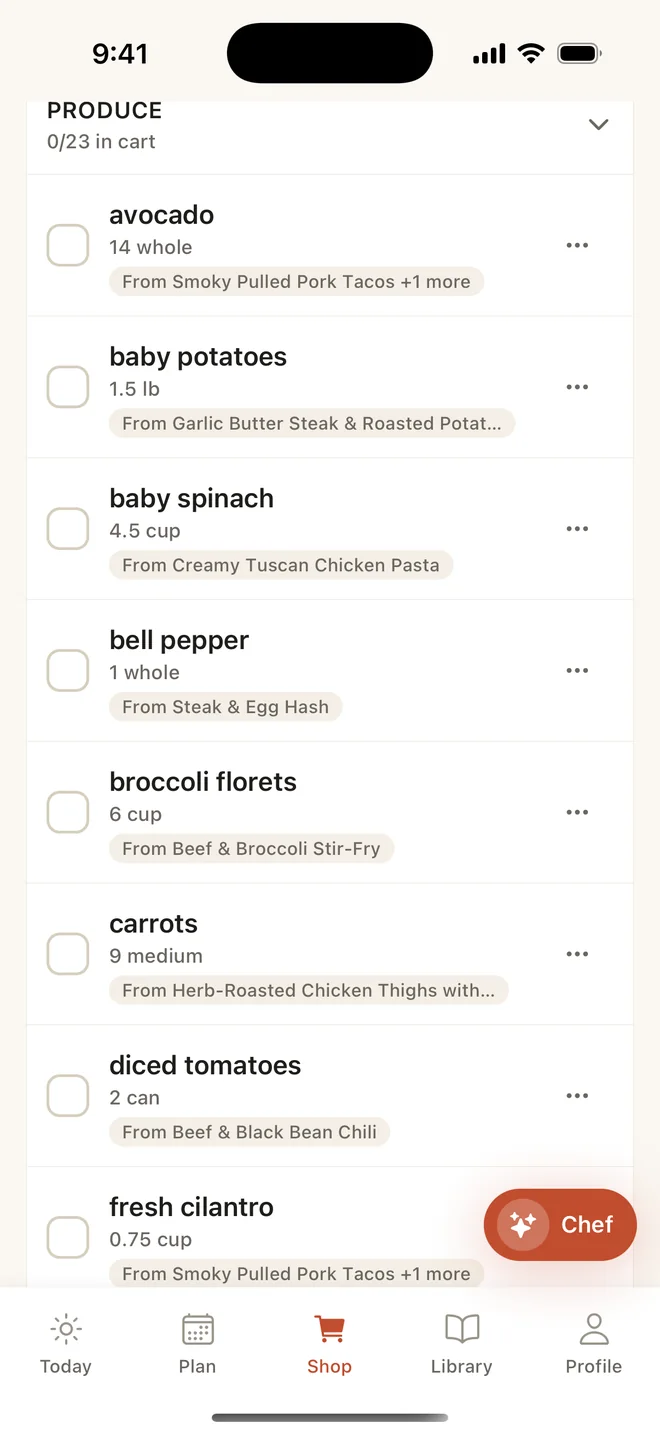
One grocery list
Everything your plan needs, combined and grouped by aisle, minus what’s already in your pantry. Shop it yourself, or send it to a connected Kroger cart.
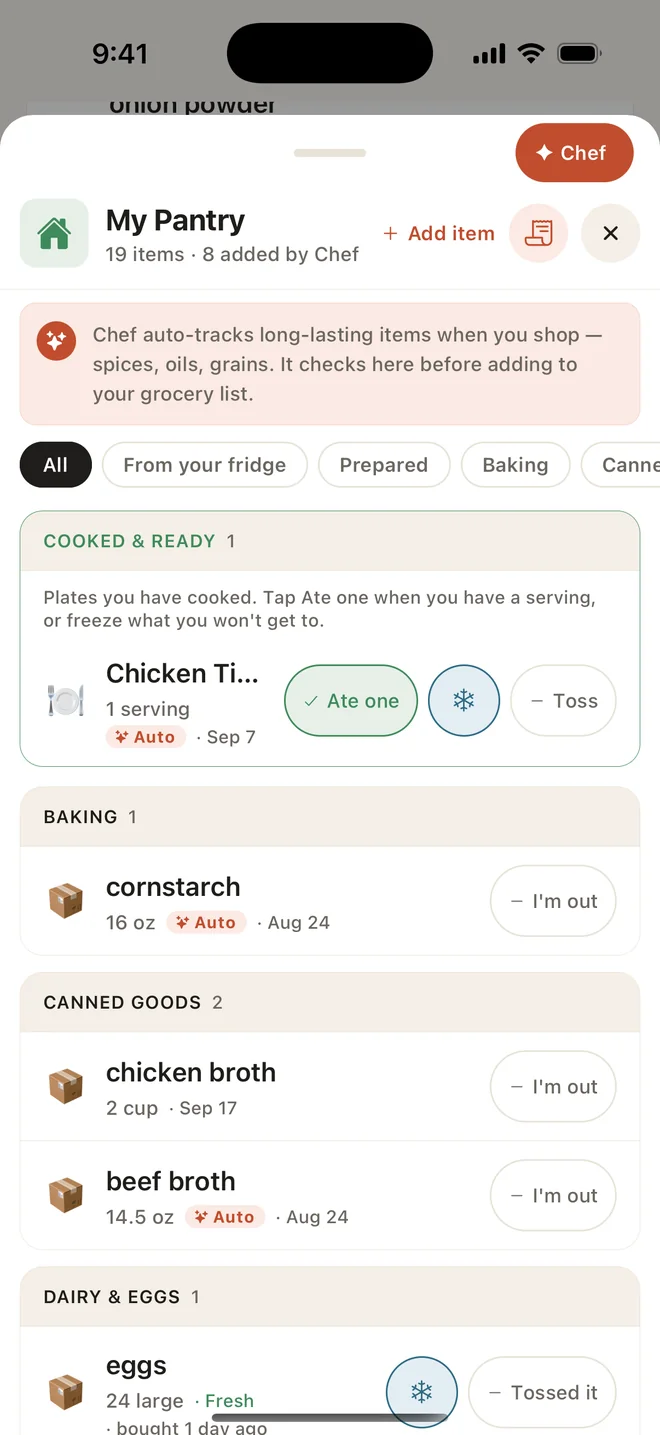
- Pantry left off
- In-Store Mode
- Shopping-day reminders
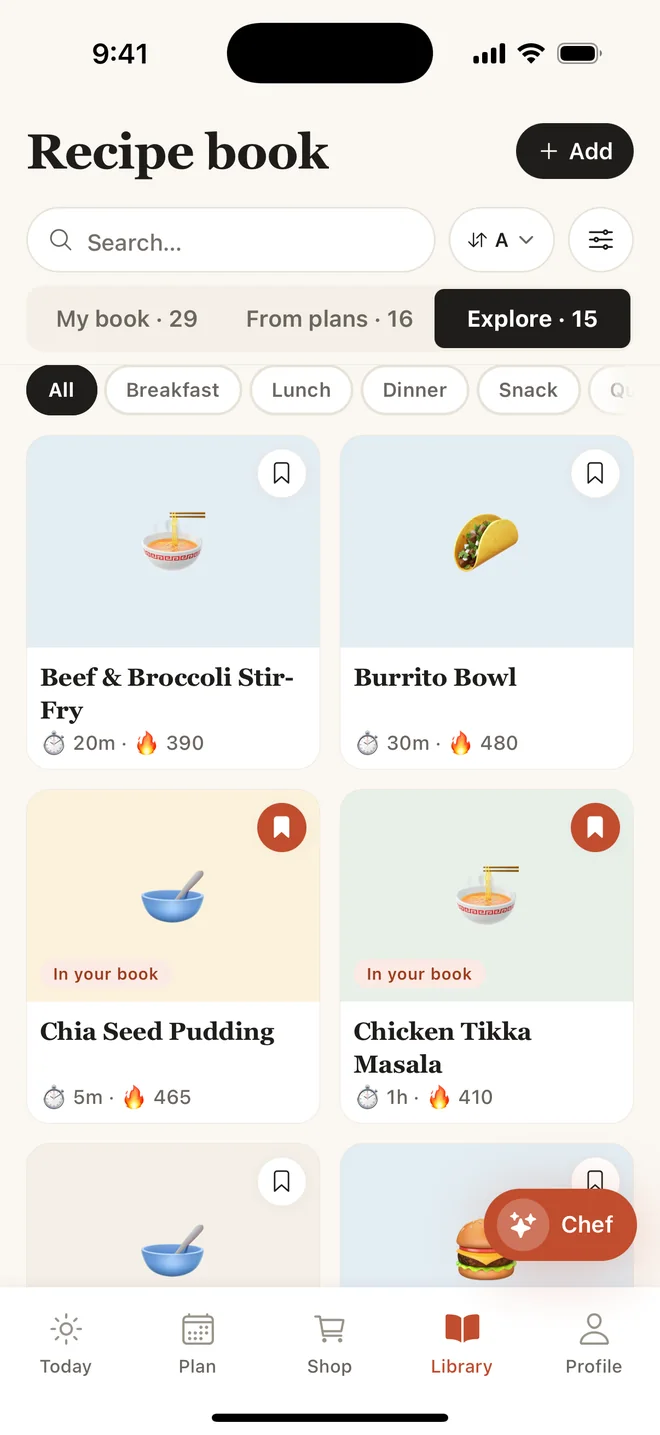
Cook from your own Recipe Book
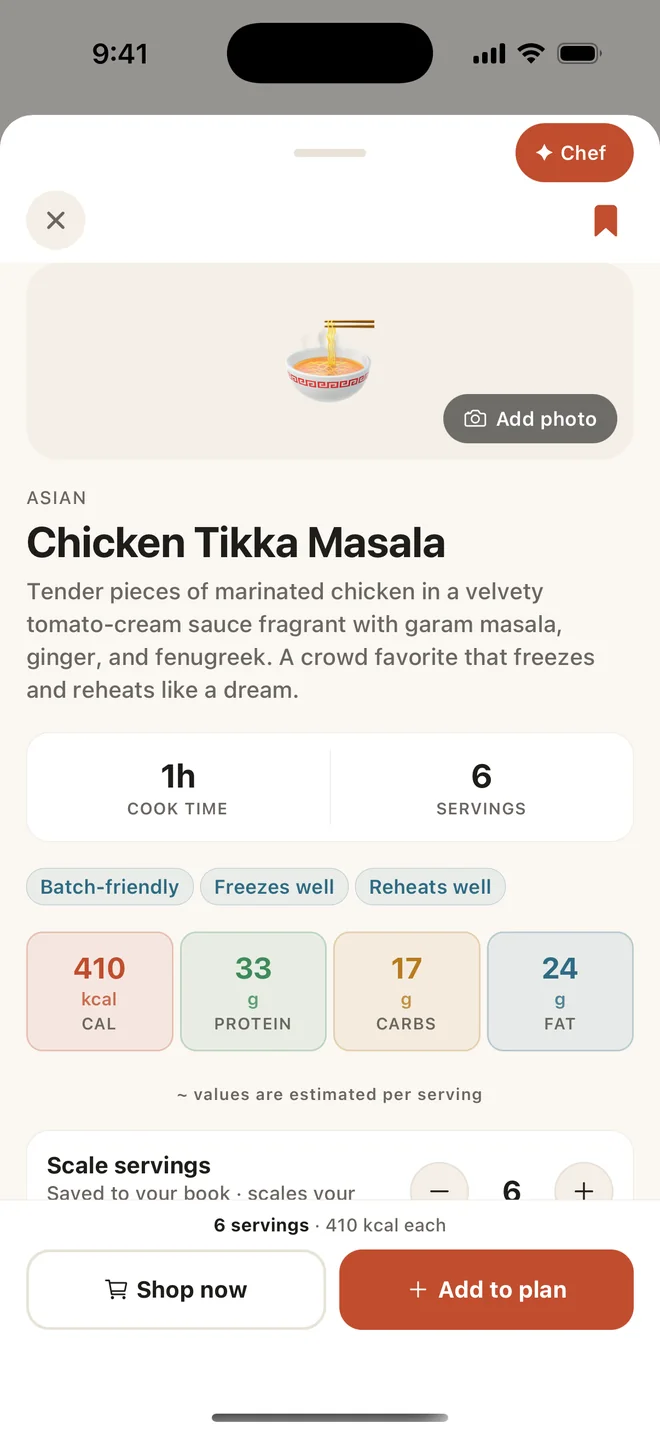
Save recipes, scale the servings, and add your own notes and ratings. Change an ingredient and Chowdy saves it as your version. Cook Mode walks you through a recipe one step at a time.
- Scale the servings
- Cook Mode
- Notes and ratings
Chef, if you want it
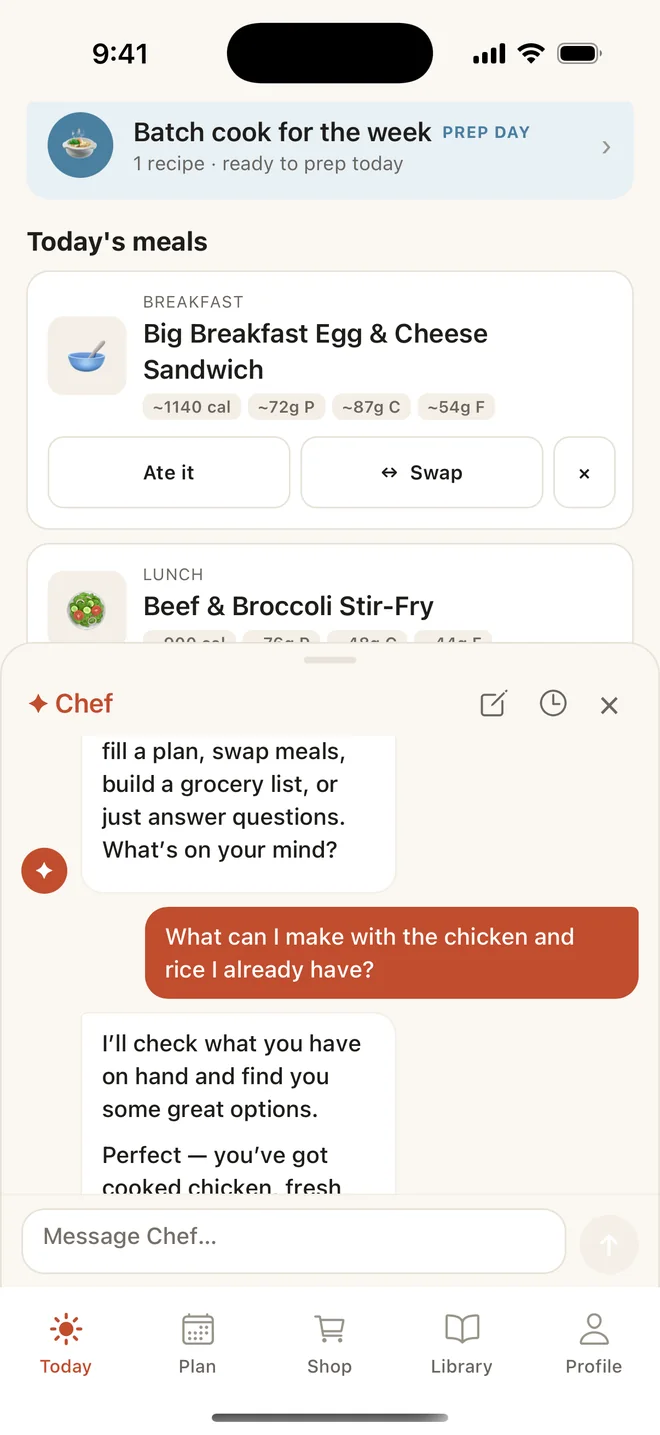
Chef can build the plan, adjust it, or find something that uses up what you have. It suggests; you decide. Every one of its actions has a manual equivalent, so nothing is locked behind it.
- Part of Chowdy Pro
The smaller things
Also in the app.
Pantry tracking
So you don’t buy what you already have.
In-Store Mode
A checklist built for walking the aisles.
Batch cooking
Make extra once and schedule the leftovers.
Targets, if you want them
Calorie and macro targets. Enter your own or use the built-in calculator.
Reminders
For shopping day and prep day.
Filters
By meal type, time, cuisine, and calories, or by diet: vegetarian, vegan, gluten-free, dairy-free, keto, paleo, and more.
Good to know
Fair questions.
Something else? The support page has more, including how to manage a subscription or delete your account.
Is Chowdy free?
Chowdy is free to download. Planning, grocery lists, the pantry, and your Recipe Book are free. A Chowdy Pro subscription adds Chef, Auto-shop, recipe import from a link, a photo, or a description, and pantry updates from a photo of a receipt or a shelf. Pro is billed through Apple, and the current price is shown in the app and on the App Store.
Do I have to use Chef?
No. Chef is the in-app assistant: it suggests and you decide, and anything Chef can do you can also do by hand. Chef is powered by AI and can make mistakes, so always check ingredients against your own allergies and dietary needs.
How long can a meal plan be?
From 1 to 14 days, with breakfast, lunch, dinner, and snacks. Fill as many slots as you want and leave the rest empty.
Which grocery stores does it work with?
The grocery list works anywhere. It is grouped by department, and In-Store Mode turns it into a checklist built for walking the aisles. With Chowdy Pro, Auto-shop can add your list to a Kroger cart, including Kroger-family stores such as Ralphs and Fred Meyer. You review the cart and check out with Kroger.
Is Chowdy a diet or calorie-counting app?
No. Chowdy is a planning tool for anyone who wants help deciding what to eat. Calorie and macro targets are there if you want them. Chowdy does not give medical or nutrition advice.
Ready when you are.
Chowdy is free to download for iPhone. Planning, grocery lists, the pantry, and your Recipe Book are free.
View on the App Store